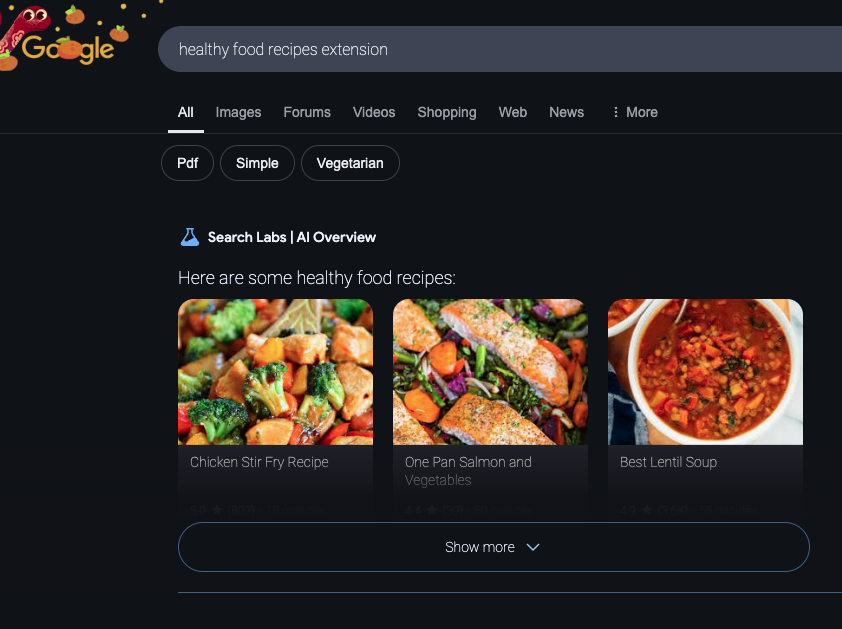
The internet is an incredible resource, offering access to endless information on any topic imaginable. However, with so much content available, it can feel daunting to know where to start or who to trust. For seniors, navigating this vast digital landscape can be especially challenging. Understanding how to find credible information is an essential skill that ensures your time online is safe, productive, and empowering.
February Senior Planet Classes
- Managing Your Privacy, February 5, 1pm, McDowell Senior Center
- Finding Information Online, February 12, 1pm, McDowell Senior Center
- Using the FEMA App, February 15, 9 am, McDowell County Emergency Services Headquarters (This is part of the Hope after Helene Recovery Event).
- My Chart, February 19, 1pm, McDowell Senior Center
- Intro to Smartphone Photography, February 26, 1pm, McDowell Senior Center
Tips for Effective Online Searches
Knowing how to search effectively can save time and help you find the information you need:
- Use Specific Keywords: Instead of typing a broad term like "arthritis," try a more specific query like "arthritis treatment options for seniors." This narrows down the results to what is most relevant to you.
- Use Quotation Marks: Place quotation marks around phrases to search for an exact match. For example, searching for "best exercises for seniors" will return results with that exact phrase.
- Use Search Operators: Learn simple operators like adding a minus sign (-) to exclude words. For example, "apple -fruit" will focus on the technology company instead of the fruit.
- Search by Image: If you have a photo or image, you can use tools like Google Lens or the "Search by Image" option in search engines to find related information or verify authenticity.
- Use Your Camera: Many smartphones allow you to take a photo of an object or document and search for information about it online. This can be especially helpful for identifying plants, products, or even translating text.
Steps to Find Credible Information
- Use Trusted Resources. Start with websites that are known for their credibility. Government websites (ending in .gov) and educational institutions (ending in .edu) are reliable sources of information. Organizations like the Mayo Clinic, AARP, or your local library’s website also offer trustworthy content tailored to your needs.
- Check the Author. Always look for the author’s name and credentials. Are they an expert in the topic they’re writing about? For example, if you’re reading an article about managing arthritis, look for medical professionals or organizations specializing in healthcare.
-
Look for Recent Information. Some information becomes outdated quickly, especially in areas like health, technology, and current events. Check the date of publication to ensure the content is still relevant.
- Verify with Multiple Sources. If you come across surprising or unfamiliar information, verify it by checking other reputable websites. Seeing the same facts repeated across trusted sources is a good sign of reliability.
The internet is a valuable tool, but finding credible information requires effort and awareness. By following these steps, you can confidently explore the online world, making informed decisions and staying safe. Remember, being curious is great, but being cautious is just as important. Happy browsing and hope to see you at a Senior Planet class!